Help center
Support
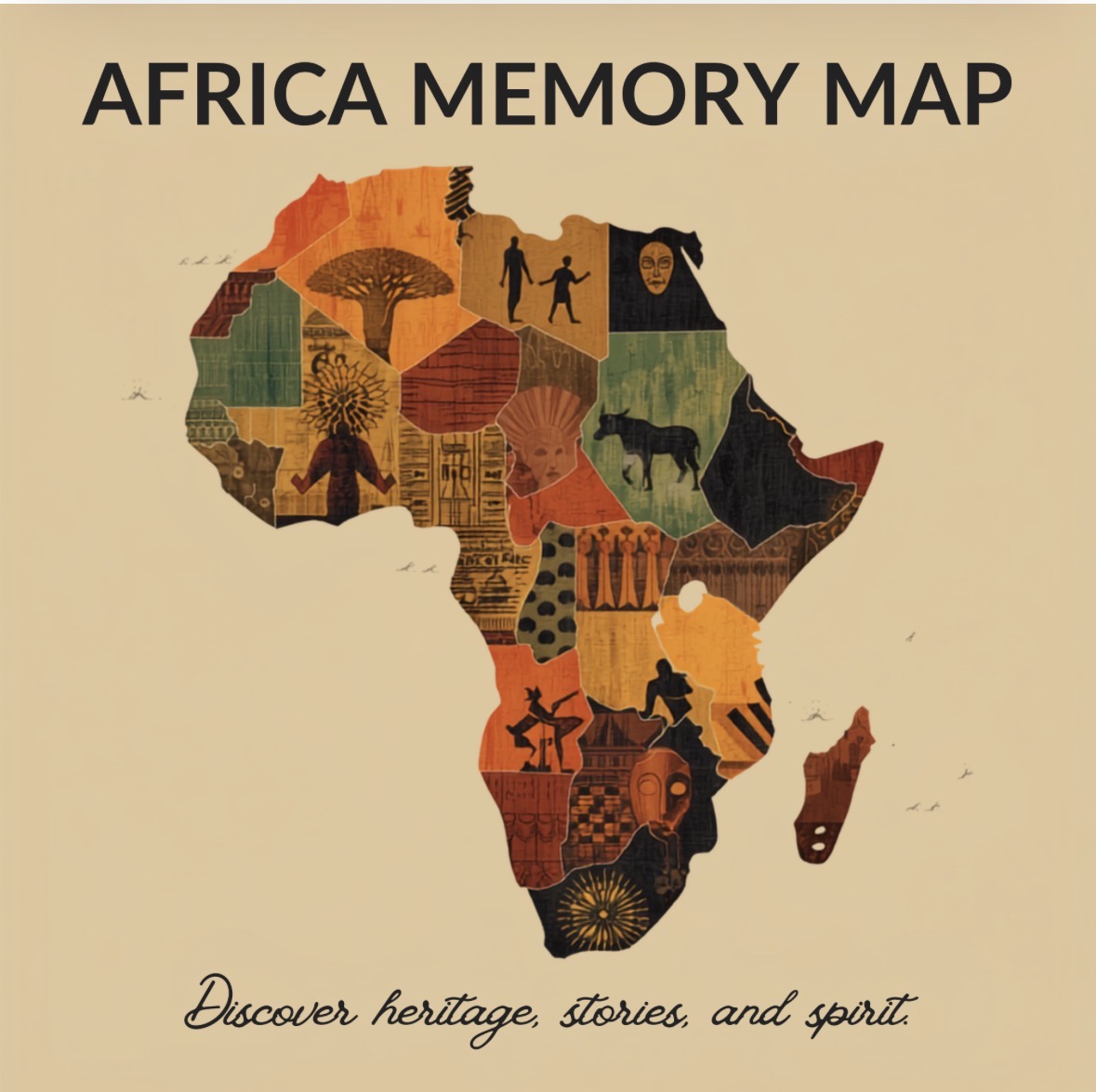
Need a hand with the Africa Memory Map™ experience? Here are quick answers and ways to reach us.
Camera & AR scanning
When you tap Start, allow camera access so the app can recognise the printed Africa Memory Map™. Hold the tablet steady about 30–60 cm above the map. If tracking fails, a digital map is shown automatically — just tap a glowing point to explore.
Languages
Toggle between English (EN) and French (FR) at any time using the switch in the top-right corner. All stories, narration, and quiz challenges update instantly.
Resetting progress
Your visited hotspots and earned stamps are stored on this device. Tap Start a new journey on the finish screen, or clear browser data, to reset everything.
Videos won't play
Make sure sound is on and the device isn't in silent mode. On iPad/iPhone, tap the play button to start audio. Videos stream over the internet, so a stable Wi-Fi connection is recommended.
Still need help?
Email us and we'll get back to you, usually within 1–2 business days.
support@africamemorymap.comAfrica Memory Map™ · Teaching Africa Day museum experience
Privacy Policy